Contract Flow in Artwin Live: Contracts, advancing and signing in one process
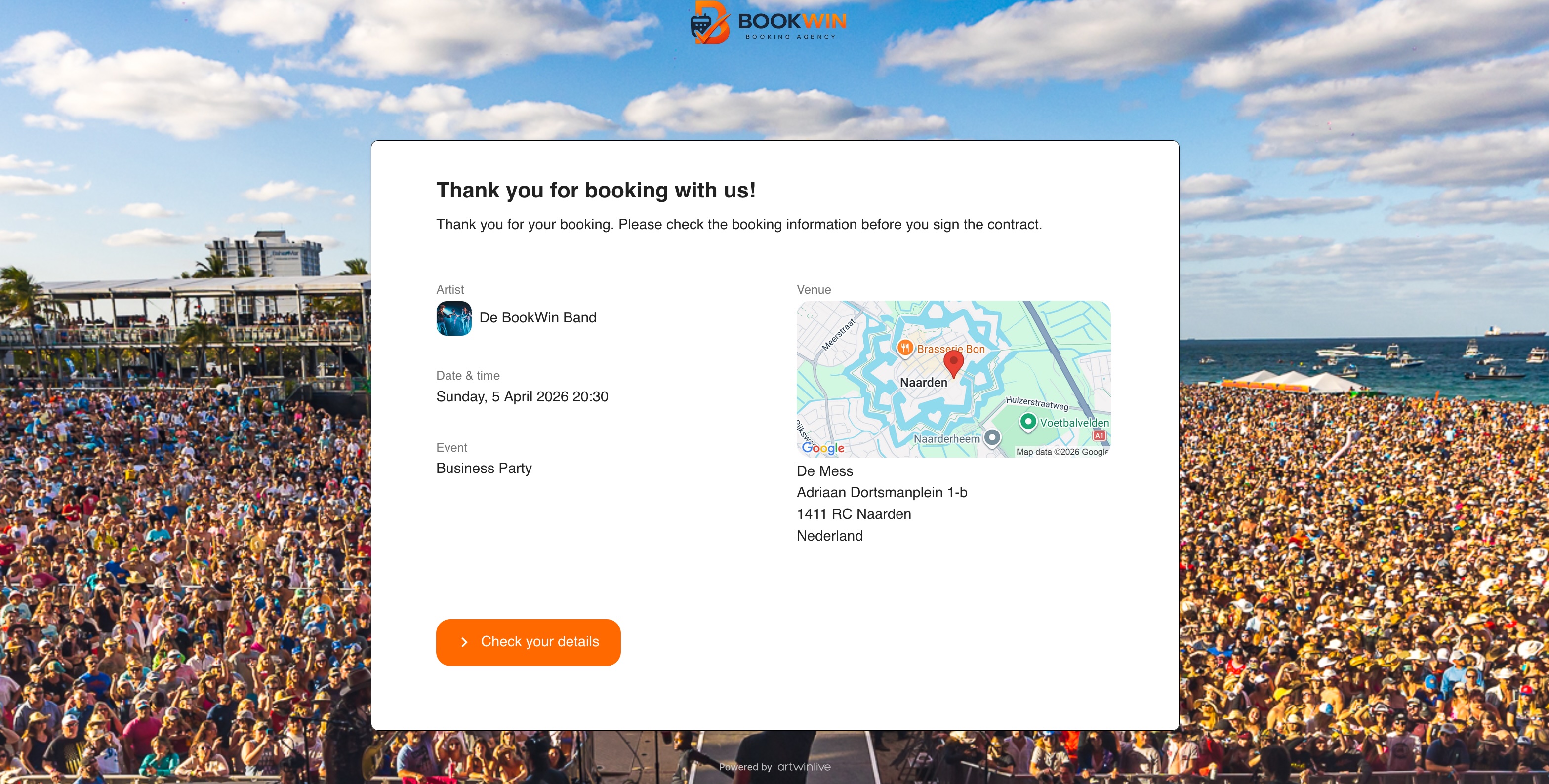
Contracts, advancing and signing in one flow
In practice, the contract process around a booking often consists of multiple separate steps. Details are checked via email, production information is collected later, changes come in along the way, and signing only happens once everything has been manually processed.
This takes time and makes the process unnecessarily dependent on fragmented communication.
With the new Contract Flow (beta) in Artwin Live, these steps are brought together into one structured flow for both the client and the agent. Instead of sending a static contract document back and forth, the process becomes a guided workflow where booking details, advancing, rider and signing naturally follow each other.
In this article, we explain how this flow works in practice.
From separate steps to one process
The Contract Flow was designed to make the contract process more structured and predictable. Where contracts used to be sent as standalone documents, clients now move through a clear flow where they first review booking details, then review the contract, and finally sign it.
This shifts the process from “sending a document and waiting” to “completing the process together step by step”.
Step 1: the client reviews booking details first
When opening the flow, the client enters a dedicated environment with the agency’s branding. Logo and background can be configured per agency, creating a familiar and professional experience.
The client sees the key booking information, such as artist, date, event and location, and can then review all details. This includes information about the client, signer, location and additional booking details.
If the client makes changes, these are immediately reflected in their version of the contract. This means the client does not have to wait for the agent to manually update anything before continuing.
This makes the process both faster and clearer for the client.
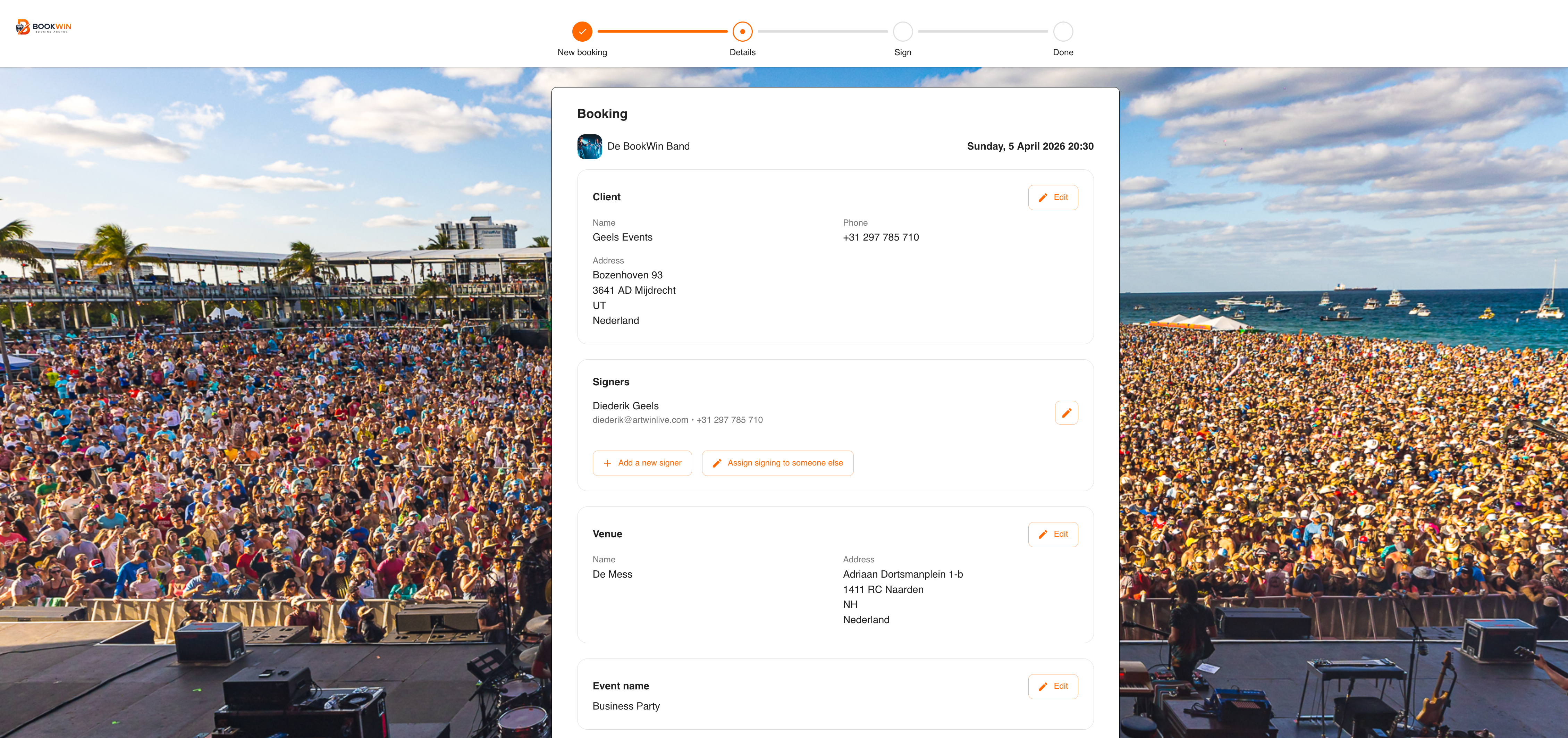
Step 2: advancing is part of the flow
One of the most important improvements is that advancing is no longer a separate step, but fully integrated into the contract process.
If advancing questions are required, they must be completed before the client can proceed to signing. This ensures that key production information is collected upfront, instead of being requested later through separate communication.
These can be standard questions or artist-specific questions. As a result, the show is already better prepared before the contract is signed, without relying on follow-up emails or additional forms.
Step 3: the contract is dynamically generated
Once the details and questions are completed, the client sees the contract as it applies at that moment. The contract is not static, but dynamically built based on:
- the booking
- entered details
- artist-specific terms
- additional booking conditions
The rider can also be included as an embedded rider. Instead of being attached as a separate file, it is displayed directly below the contract and becomes part of the signing process.
This means the client signs the contract, terms and rider together in one complete flow.
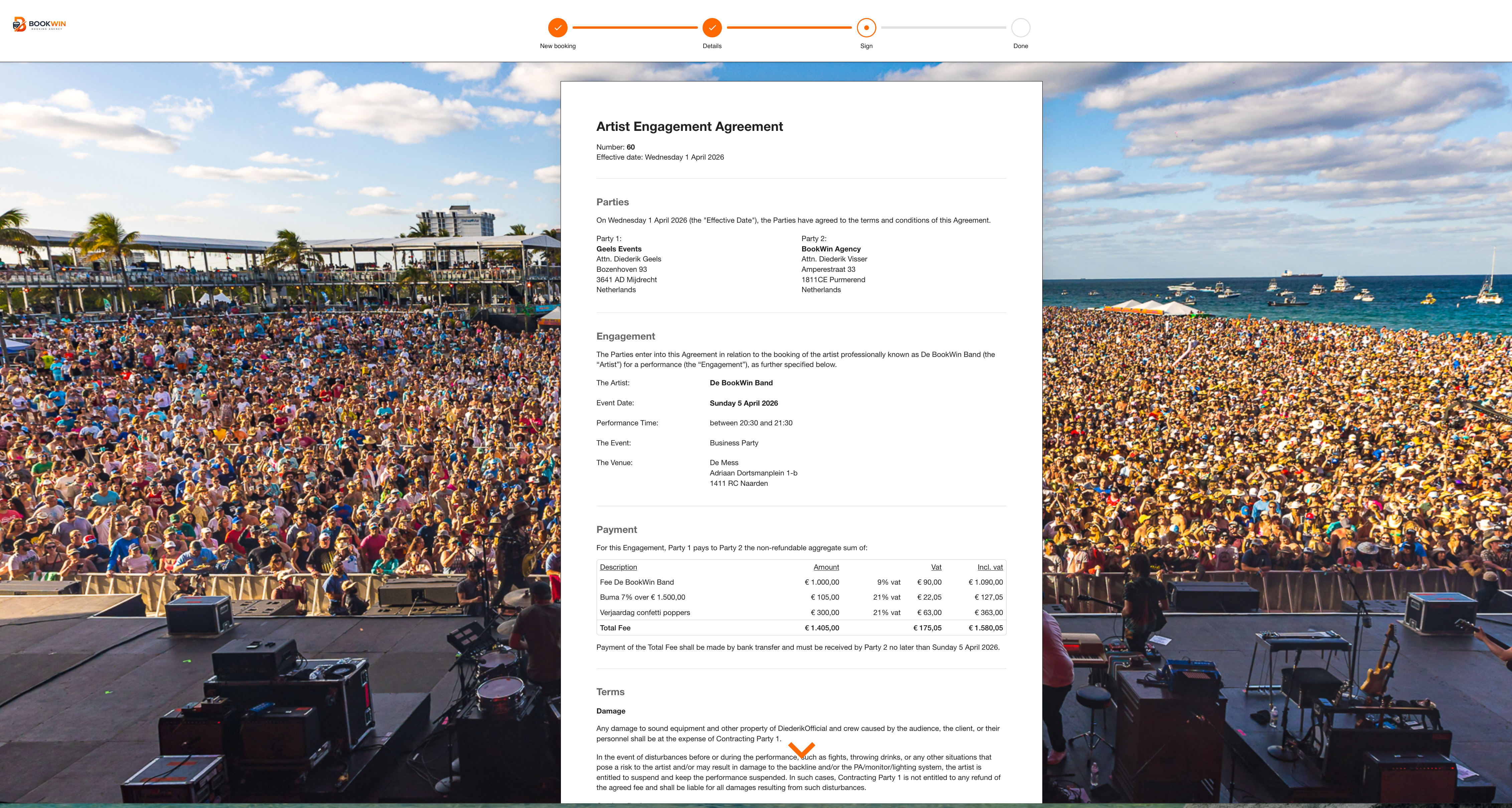
Step 4: the client signs within the same flow
After reviewing all details and conditions, the client proceeds to signing. They confirm the required statements and sign digitally within the same environment.
After signing, the flow remains available as a central place where the client can view a summary of the booking, download the contract and access relevant documents. Any remaining questions also stay visible, ensuring nothing gets lost after signing.
Step 5: the agent reviews all changes
On the agent side, a review step shows all changes clearly side by side. For each section, you can compare the original booking data with the updated data entered by the client.
This includes, for example:
- client details
- signer details
- location information
- additional information
This makes it immediately clear what has changed, without having to compare emails or manually track updates.
If a change is relevant, it can be reviewed and applied directly. For example, a new billing entity can immediately be stored as the default for that client.
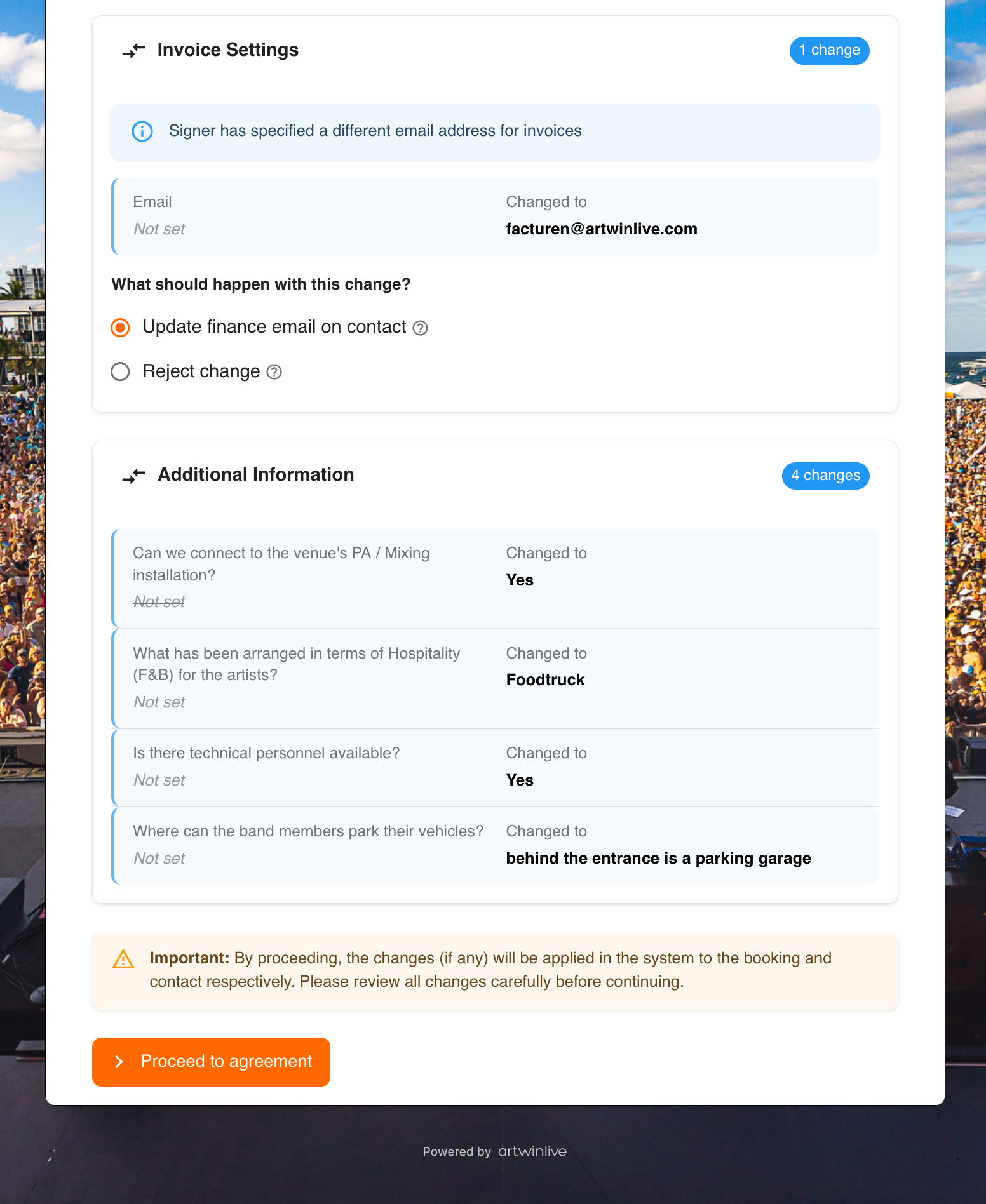
Step 6: the agent signs in return
After reviewing the changes, the agent proceeds to the return signing step. Here, the contract is shown again, including rider and terms, and can be signed.
Agents can reuse a saved signature or create a new one, making future contracts faster to handle.
Once the return signing is completed, all accepted changes are automatically applied within Artwin Live, keeping the system fully aligned with the signed agreement.
What this solves in practice
The Contract Flow brings together elements that were previously handled separately. Reviewing details, advancing, rider and signing now form one connected process.
In practice, this results in:
- fewer emails
- less manual updating of contract data
- more complete advancing information
- clearer visibility of changes
- a more professional client experience
- less duplicate work for agents
For agencies, this means more control. For clients, it means clarity and a smoother process.
Now available in beta
The new Contract Flow is now available in beta. During this phase, we want to further refine the flow together with users based on real-world usage.
If you frequently work with contracts, riders and advancing, and would like to explore or test this new workflow, feel free to reach out. We’re happy to show you how it works and can enable the feature for your account.